Rigidity of Thinking in System Administration and Cybersecurity
Or how it took me twenty years to get to a password manager
I would like to share my story of how I came to use a password manager. Not only for storing passwords themselves, but also for all critically important information: recovery codes, backup keys, TOTP secrets, account data, key files, and other things whose loss is usually discovered at the most inconvenient moment. And also — about how rigidity of thinking prevented me from taking this, as it later turned out, completely obvious step for almost twenty years.
We live in the 21st century. But with passwords, it's still the Middle Ages
Despite the fact that the era of digital technology has long arrived, password storage still often looks both tragicomic and sad.
A typical picture looks something like this:
- short and simple passwords are used, which modern cracking tools can guess in seconds or minutes;
- passwords are kept in memory, where they are successfully forgotten precisely when urgent access to an account is needed;
- passwords are written down in notebooks and notepads, which gradually wear out, tear, get dirty, and become practically unreadable;
- passwords are stored in plain text files on the desktop — to the delight of malware and anyone who gains access to the computer.
At the same time, free and reliable password managers have existed for many years. There are hardware security keys (e.g., FIDO2/U2F), biometric unlocking, two-factor authentication. All of this has long ceased to be exotic.
The problem is that a huge number of people simply do not use these tools.
Why memory no longer works
Today, password requirements have grown significantly.
For important services, it is recommended to use a unique password of at least 15–16 characters, containing letters of different cases, numbers, and special characters. Even better — to use randomly generated passwords of 20–30 characters, since there is no need for a person to remember them anyway.
But here a logical question arises.
How can you store a hundred such passwords in memory?
The answer is obvious — no way.
It is impossible to remember them.
That is precisely why password managers exist.
They allow you to store all secret data in an encrypted database protected by a single master password. Most modern password managers can:
- generate cryptographically strong random passwords;
- automatically clear the clipboard after a set time;
- perform autofill through the official browser extension;
- store not only logins and passwords, but also links, notes, key files, backup recovery codes, and much more.
In effect, the user only needs to remember one master password.
How I ignored the obvious for twenty years
My first computer appeared in 2006.
Naturally, the first thing I did was go online.
A friend who had been using a computer for a long time gave me a CD with useful programs and said:
— Take a close look. There's a lot of good software there.
I opened the disc.
Among the many programs, I saw a folder with the mysterious name «Password Managers».
I looked.
Closed it.
And never returned to it.
A few years later, the disc was lost.
Today it seems to me that the password manager quietly looked after me and sighed heavily.
For the next few years, I continued to use simple short passwords.
Until 2011.
It was then that my accounts with important personal correspondence were hacked.
After the thunder struck and the rooster finally did its job, I finally started using long complex passwords.
True...
...I wrote them down in an ordinary school notebook.
The paper password manager
After a few months, the notebook looked as if it had survived several military campaigns.
Old passwords were crossed out.
New ones were written between the lines.
The last entries had to be literally squeezed under the very bottom edge of the page in small handwriting.
Then came my first great technological achievement.
I bought a good notebook with a hard cover.
Now, I thought, civilization had won.
It hadn't.
In 2012, I bought a new system unit.
Along with it, I once again received a collection of useful programs.
And once again I saw the «Password Managers» folder.
And once again I walked past.
The notebook faithfully served for more than ten years.
By the end of its life, it resembled an archaeological artifact:
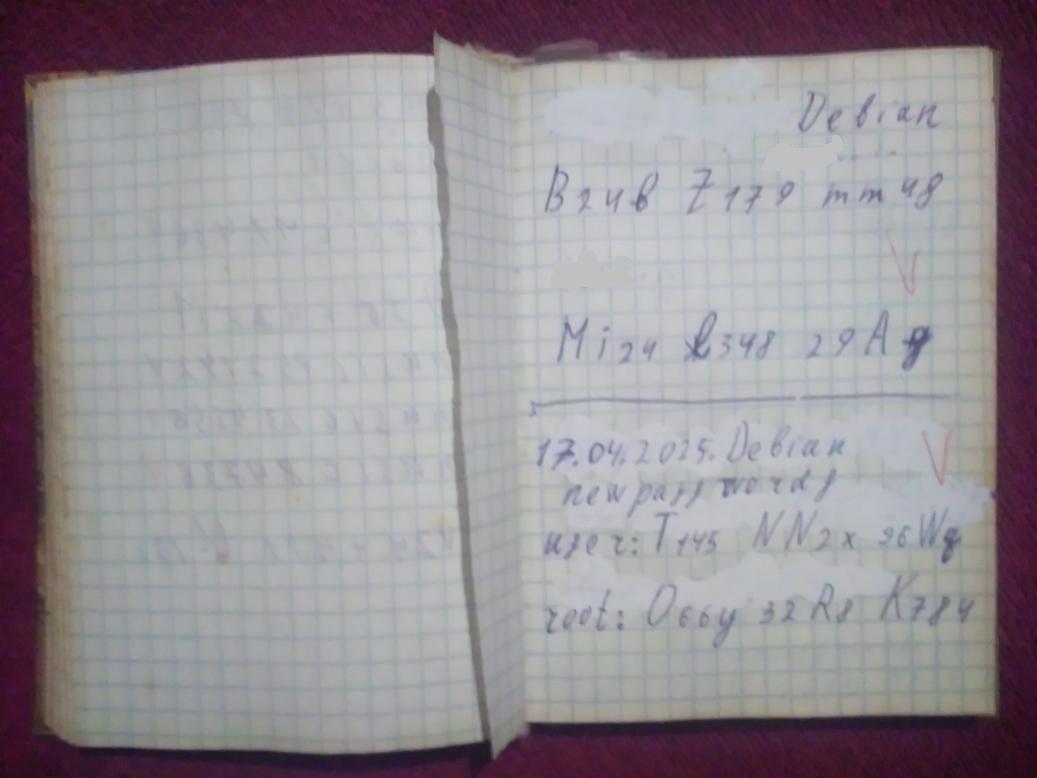
The pages were yellowed, many of them covered in corrections, painted over with correction fluid, some barely bending.
Finding the right password turned into a mini-quest.
The second great achievement
In the spring of 2025, I began seriously studying cybersecurity.
The first thing I did...
...was buy a new notebook.
For three evenings in a row, I carefully rewrote all my passwords into it.
Neatly.
Legibly.
But — the same archaism:
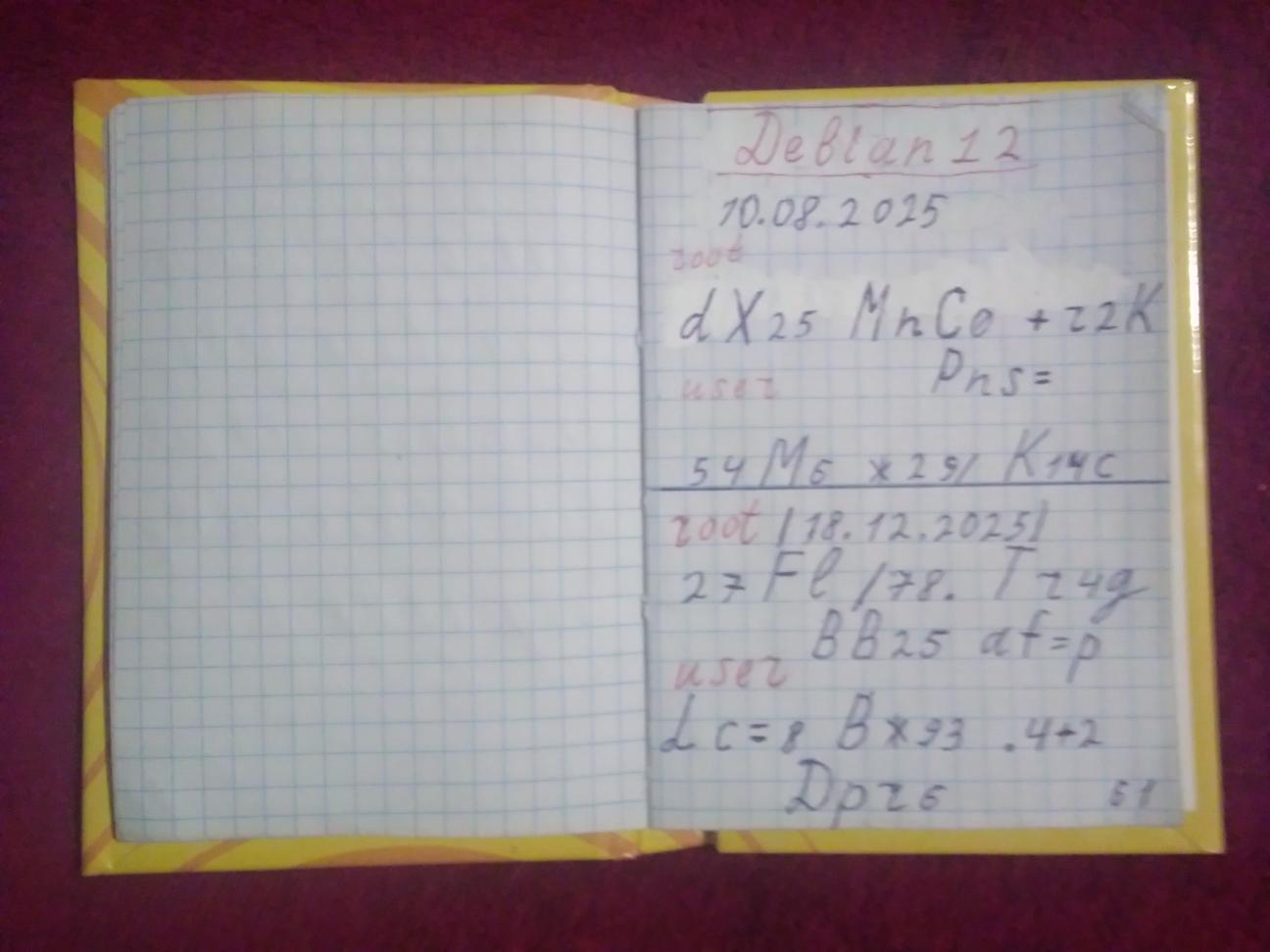
In parallel, I finally switched from Windows to Debian and finally installed the KeePassXC password manager.
Installed it.
Looked at it.
Closed it.
Didn't start using it.
The moment of epiphany
While I was studying cybersecurity, the number of my accounts gradually grew.
At some point, there were 103 of them.
And when the number of entries exceeded a hundred — it finally dawned on me:
If I don't transfer all this to an electronic database, one day I'll just go crazy.
I opened KeePassXC again.
And finally started transferring the data there.
When the work was done, I asked myself only one question.
What the hell?
Why didn't I do this back in 2006?
What changed after the transition
After a few weeks of use, it became clear that there was no going back.
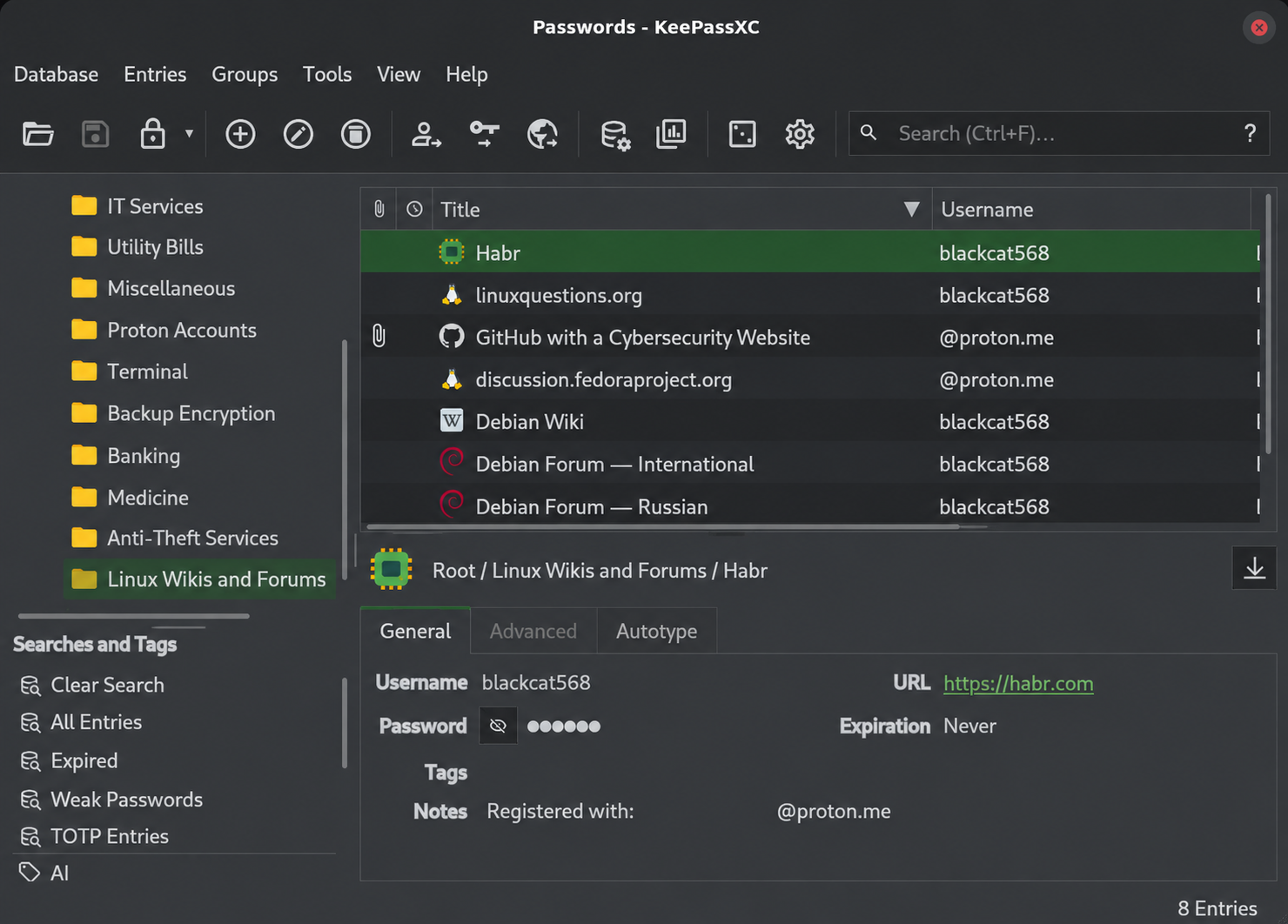
Structured groups.
Tags.
Quick search.
Attachments.
Entry history.
Storage of two-factor authentication backup codes (for restoring access in case of loss, damage, or theft of the device with the authenticator app).
Random password generation.
Automatic database locking after a few minutes of inactivity.
Automatic clipboard clearing.
All these small things together provide a colossal increase in convenience.
And most importantly — it becomes possible to actually use long unique passwords for each site, rather than seeking a compromise between security and keyboard typing convenience.
Why I personally chose an offline manager
Personally, I prefer offline managers like KeePassXC.
In this case, the database is completely under my control.
I choose where it is stored, how it is backed up, and how it is protected.
This does not mean that cloud managers are bad. Many of them are built on an end-to-end encryption model and provide a high level of security.
However, for myself, I decided that a local database is a better fit.
The main rule with this approach is to regularly back up the database to external media.
And remember only one thing.
The master password.
It becomes the only key to the entire vault, so it must be long, unique, and truly reliable.
If desired, protection can be strengthened with a key file or a hardware token.
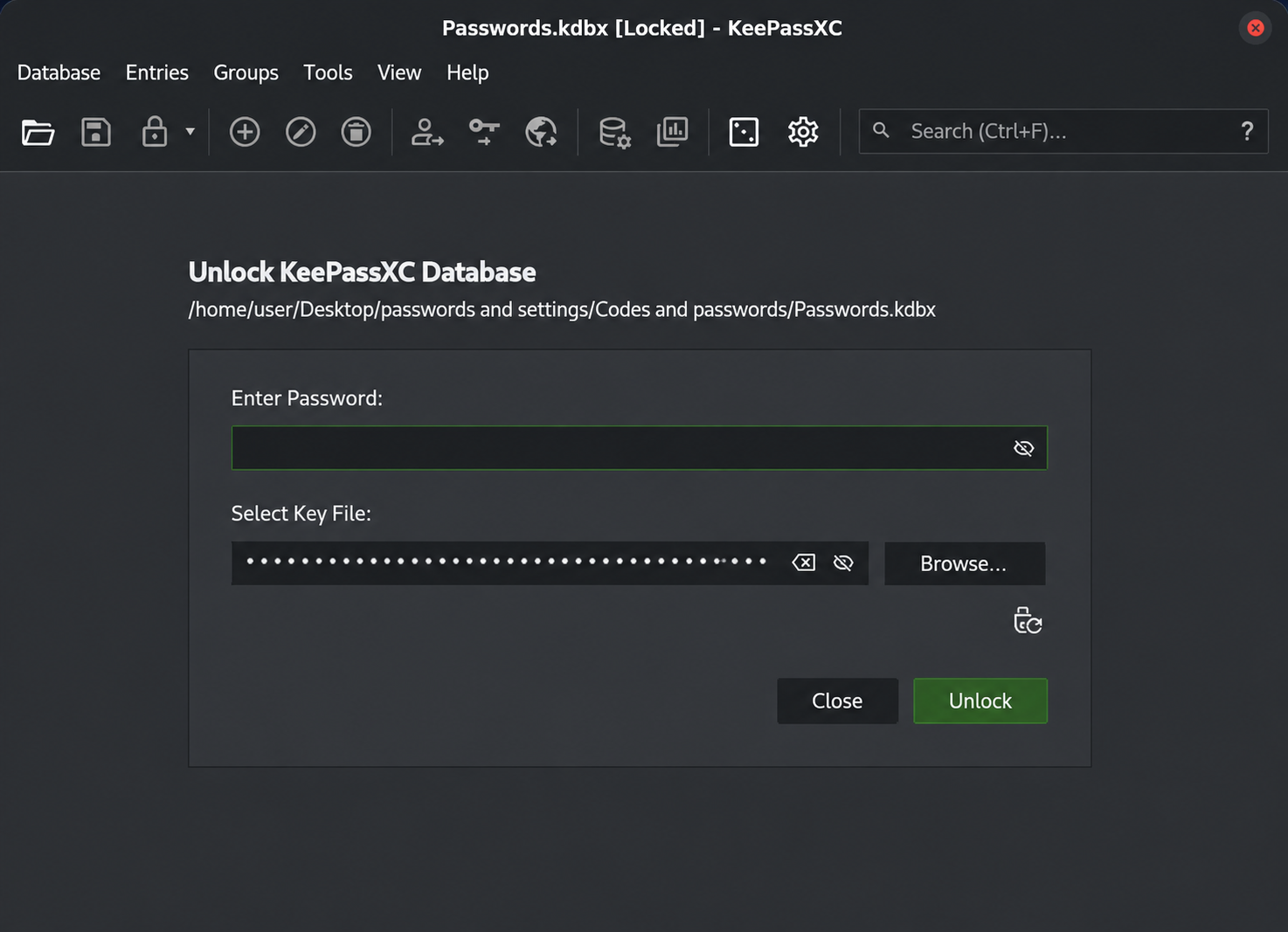
But that is a completely different story.
Instead of a conclusion
The funniest thing about this story is that the technology that saved me a huge amount of time and made working with accounts much more secure was available to me twenty years ago. When I bought my first computer in 2006, password managers were not a new technology — KeePass, for example, had already existed for several years.
I saw this technology.
Three times.
But all three times I decided I didn't need it.
Sometimes the main problem in information security is not the lack of technology at all.
The main problem is rigidity of thinking.
That is, technologies that make work easier, increase security, and provide fundamentally new capabilities exist. They are available. But we either don't know about them, or we know but don't apply them, not understanding their importance and usefulness.
AI, code validators, hardware firewalls and tokens, sandboxes and virtual machines, Linux with its capabilities that are either limited or absent in Windows — all of this is always before us. Just reach out, take it, and apply it.
Why we don't do this, don't study the full range of modern technologies and don't implement them — that is the problem of rigidity of thinking.
Many people seek the root of world problems in politics, economics, philosophy, in anything but where it actually is.
And it lies in the inability to accept modern precise scientific knowledge about the most effective way to solve your problem.
But this is just an example. The fact that in the 21st century I was digging through a worn-out notebook trying to find the right password — no one suffered from that.
But what catastrophes happen because a person did not set a daily limit on withdrawals, transfers and spending in their banking app. Did not separate profiles on the smartphone into a personal one — with friends' numbers, and a banking one — with banking services, switching to it only as needed and immediately logging out and returning to the personal one after completing financial transactions. Did not use a reasonably priced hardware token or a completely free two-factor authentication app for generating six-digit codes. And so on.
I hope my example will help someone not to repeat a twenty-year path, and perhaps even save them from far more dangerous incidents.
↑ Back to top